

Step 01
Walk The Floor
How stock really moves today, from delivery to sale.
Websites & E-Commerce
The site your customers judge you by — fast, findable, and easy for your own team to update.
ERP · Inventory & Orders
Our Point Of View
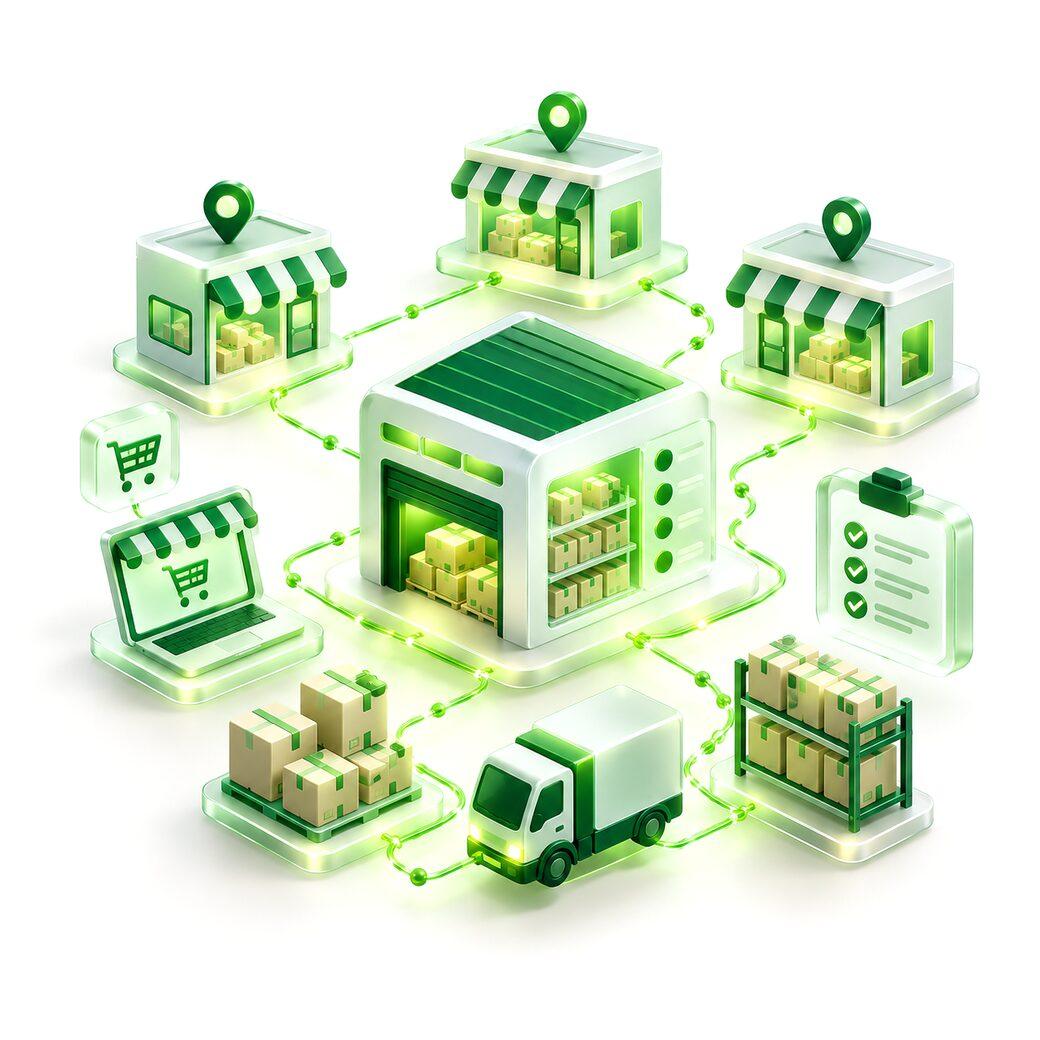
We bring stock, orders and transfers into one system, scanned or entered at the point things physically move. When the number on screen matches the shelf, people stop keeping their own lists.
What's Included
Current levels by item and location, updated as things move.
Online, phone and counter orders in one queue.
Stock moved between locations with a clear record.
Low-stock warnings before shelves run empty.
Scan in, scan out, with phones or handheld scanners.
Fast and slow movers, valuation and wastage.
How It Works
Step 01
How stock really moves today, from delivery to sale.
Step 02
Your items, variants and locations set up correctly once.
Step 03
Opening stock counted and loaded; old lists retired.
Step 04
One site at a time, with staff trained on the floor.
What You Get
01
The same figure for the shop, the warehouse and the website.
02
Every channel's orders processed the same way.
03
Alerts before you run out, not after a customer asks.
More In ERP
Stock, billing, staff and operations in one system that matches how your business actually runs.
Explore ERP & Internal ToolsCustom billing and reporting: quotes, GST-ready invoices, receivables and owner dashboards.
Staff workflow tools for approvals, rosters, task boards and handovers.
Migrating business spreadsheets into a proper system, with data cleaned and history preserved.
Frequently Asked Questions
Direct answers to what comes up most about inventory & orders.
Yes. Online orders and stock levels stay in sync with the same system the shop uses.
Not necessarily. Phones work for many teams; handheld scanners suit high-volume warehouses.
We count and load opening stock, run both side by side briefly, then switch location by location.
Yes, where your products need it.